Skip to content
Flomotive
All case studies

Driver Learners App

Onboarding tailored to each learner.

A driving theory app with 500,000 users, helping learners prepare for their exams.

Project scope

50+

Screens

Research, CRO copywriting, journey design, UX/UI, mascot design and animation, and interactive prototyping.

About this project

50+ designed screens covering onboarding, practice and subscription choices. Development is being handled by the client.

The English-language prototype demonstrates selected interactions and learner profiles.

Sample story videos and text are demo content, not verified testimonials.

Illustrative adult learner checking her phone before a driving lesson.
Driver Learners App · onboarding design
The project

The previous onboarding described the app’s features, then left learners to find their way inside. We redesigned it as a guided first session, with paths tailored to different learner needs and a chance to experience the teaching before choosing a subscription.

We created the onboarding from research and CRO copy through UI, mascot design and prototyping. The client is implementing the designs. The goal is to help learners understand the app’s value before deciding whether to subscribe during onboarding.

Services
Research, CRO copywriting, Journey design, UX/UI, Mascot design and animation, Interactive prototyping
Market
TBA
Audience
First-time learners and people retaking an exam
Delivery
50+ screens and interactive prototype

The process

  1. 1 Research & learner profiles

    Client analytics highlighted drop-offs in the old onboarding. We combined those findings with the team’s industry knowledge, marketing research and our own research to define learner profiles and reshape the first session. Competitor research also helped establish a distinct visual direction.
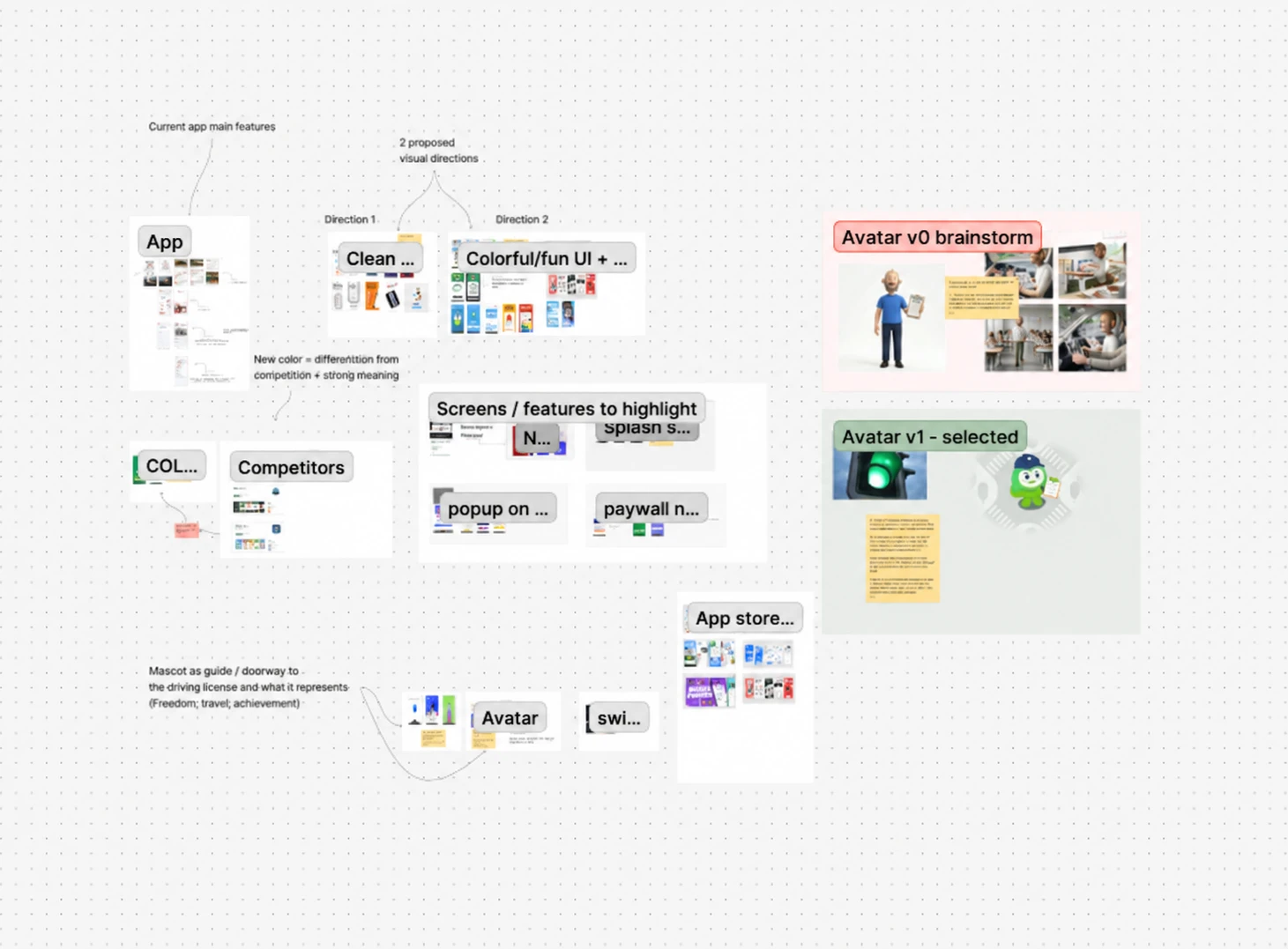
    FigJam research conclusions, including app and competitor references, visual directions and mascot development.
  2. 2 CRO copy & journey design

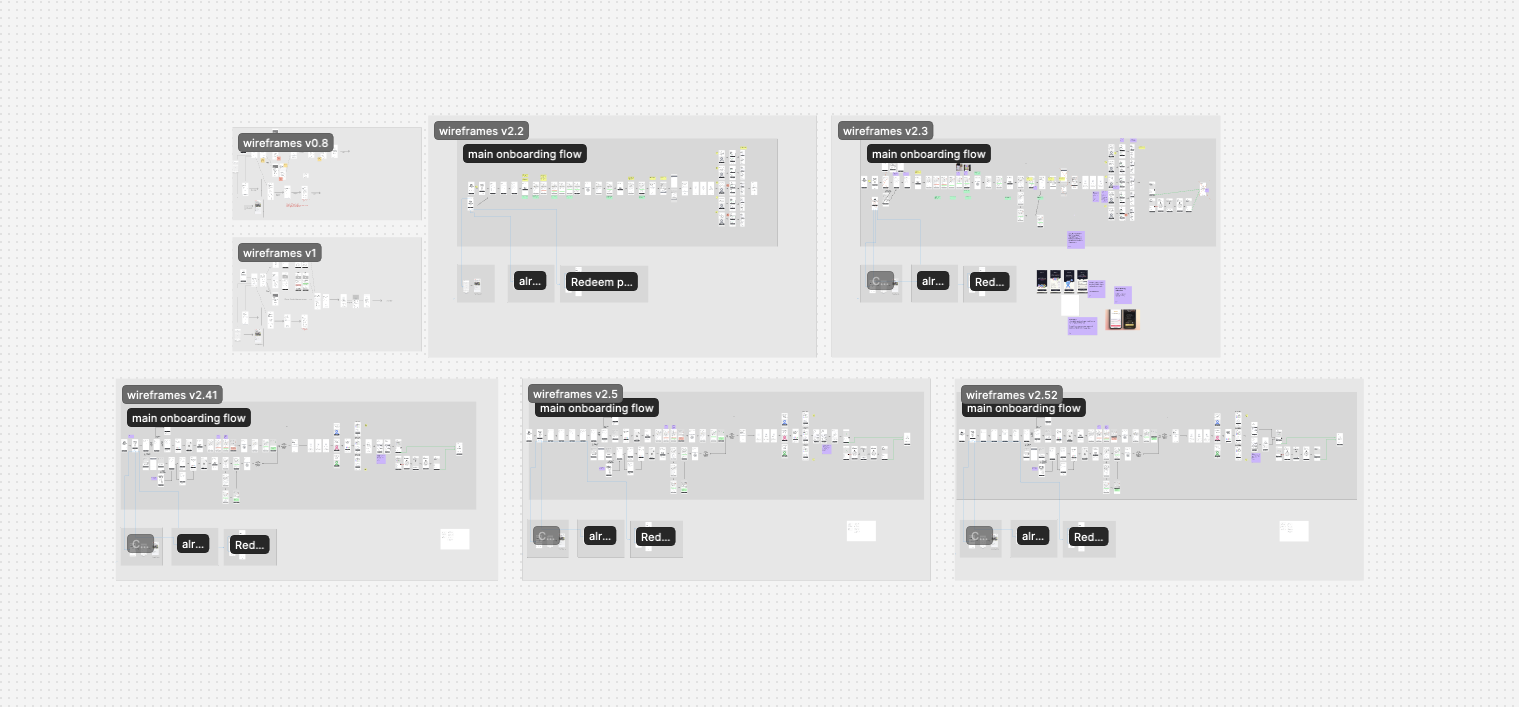
    We initially explored a shorter flow. Discussions with the client about learner motivation and existing trust in the app supported a longer journey that could demonstrate the app before subscription. We developed copy and wireframes together, tailoring the sequence to different learner profiles and making each step earn its place.

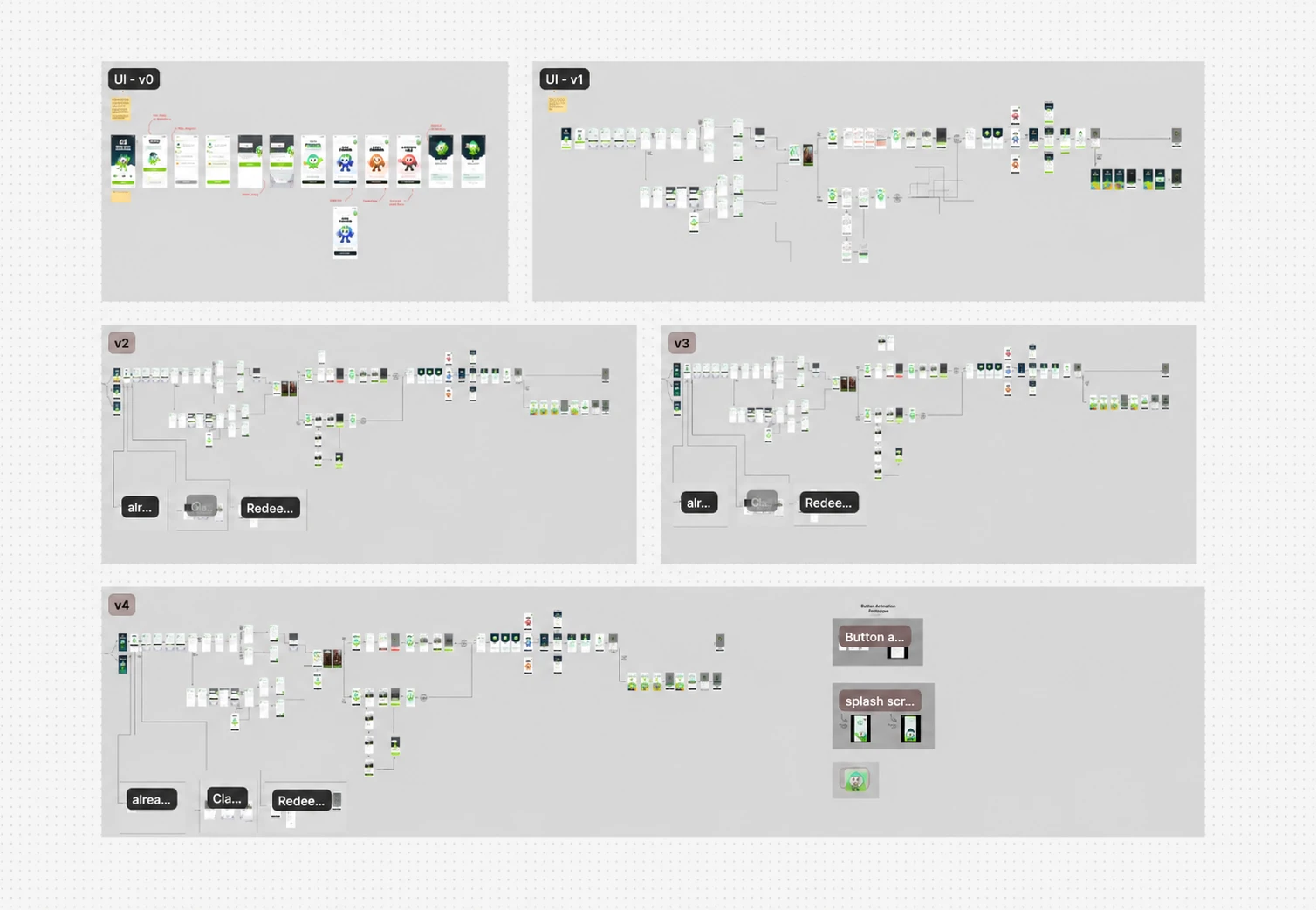
    Successive app wireframe versions showing the onboarding journey, branching paths, content and review notes.
  3. 3 UI design & motion

    A longer journey needed screens that were quick to understand. We used clear hierarchy, focused content and purposeful motion to limit unnecessary taps. The visual language distinguishes the app from competing apps, welcoming younger learners while remaining appropriate for adults.

    Five iterations of the app interface, showing personalised onboarding flows, visual refinements and mascot interactions.
  4. 4 Prototyping & internal review

    We brought branching questions, quiz feedback and mascot animations into an interactive prototype. Limited internal testing gave us encouraging early feedback on the experience. The client is now implementing the designs; live user behaviour will provide the next stage of validation.

    Prototyping & internal review, app design preview

    App design preview

What changed.

Make the journey relevant to the learner., app design preview

App design preview

Make the journey relevant to the learner.

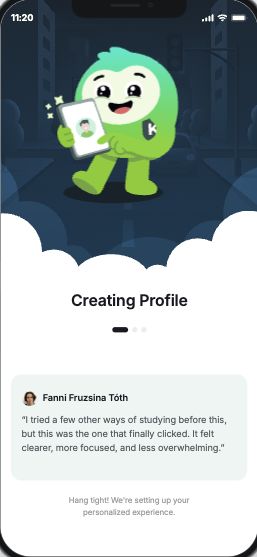
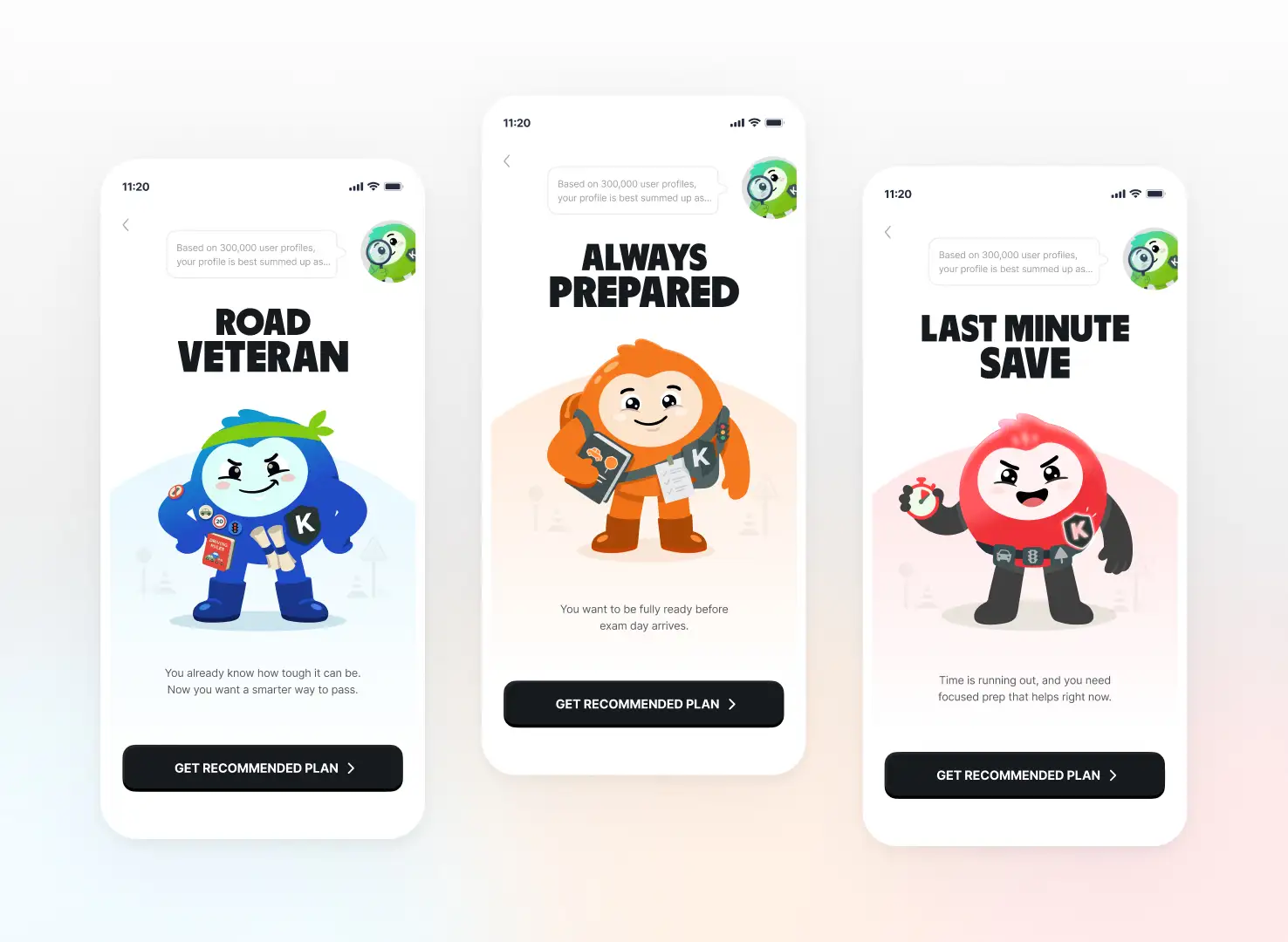
Answers about exam experience, goals and available time shape the questions and journey that follow. First-time learners and people retaking an exam encounter paths designed around their different needs.

Watch the profile take shape. Restart to replay.

Let learners experience the teaching., app design preview

App design preview

Let learners experience the teaching.

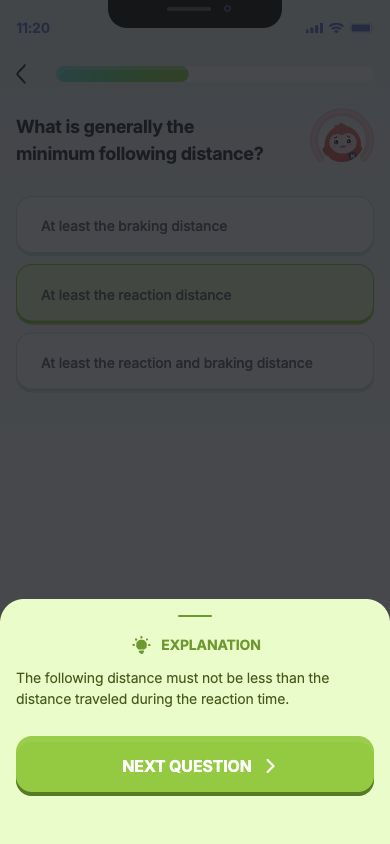
A short guided practice sequence introduces answering questions, getting feedback and understanding mistakes. Clear explanations show how the app teaches, helping learners judge its value before choosing a subscription.

Answer a question and open the explanation.

Original mascot and learner-profile artwork.Original mascot and learner-profile artwork.

Give learners a responsive instructor.

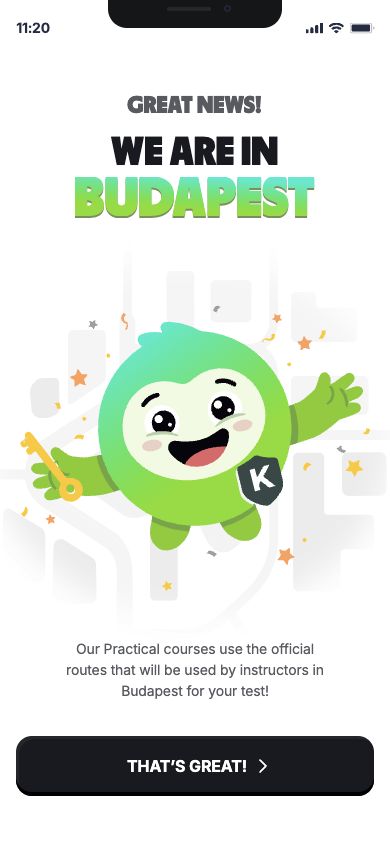
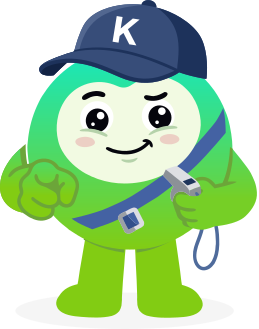
The mascot takes the form of a green traffic light with a cap. We designed him as a confident, knowledgeable guide who makes learning feel approachable. His reactions reflect correct answers and mistakes, with a response suited to each moment.

Place reassurance where doubts remain., app design preview

App design preview

Place reassurance where doubts remain.

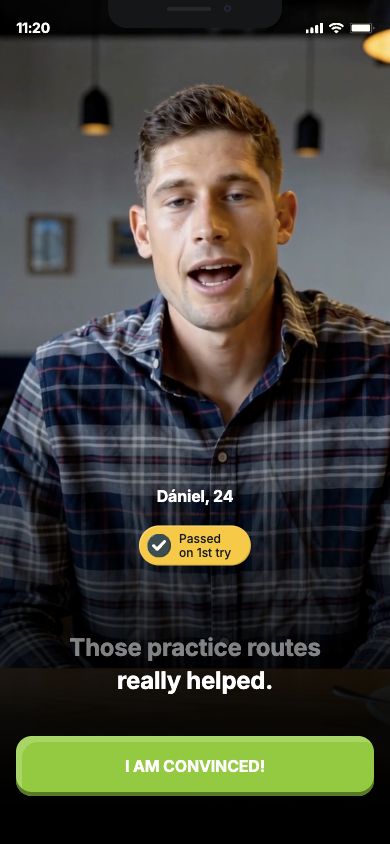
We designed a subtitled video testimonial format that is easy to scan, positioned where learners may still hesitate. The intended stories feature different learner profiles reaching their goals, helping people recognise the service’s relevance to their own situation.

Swipe or scroll inside the phone.

Illustrative demo content. These are not verified learner testimonials.

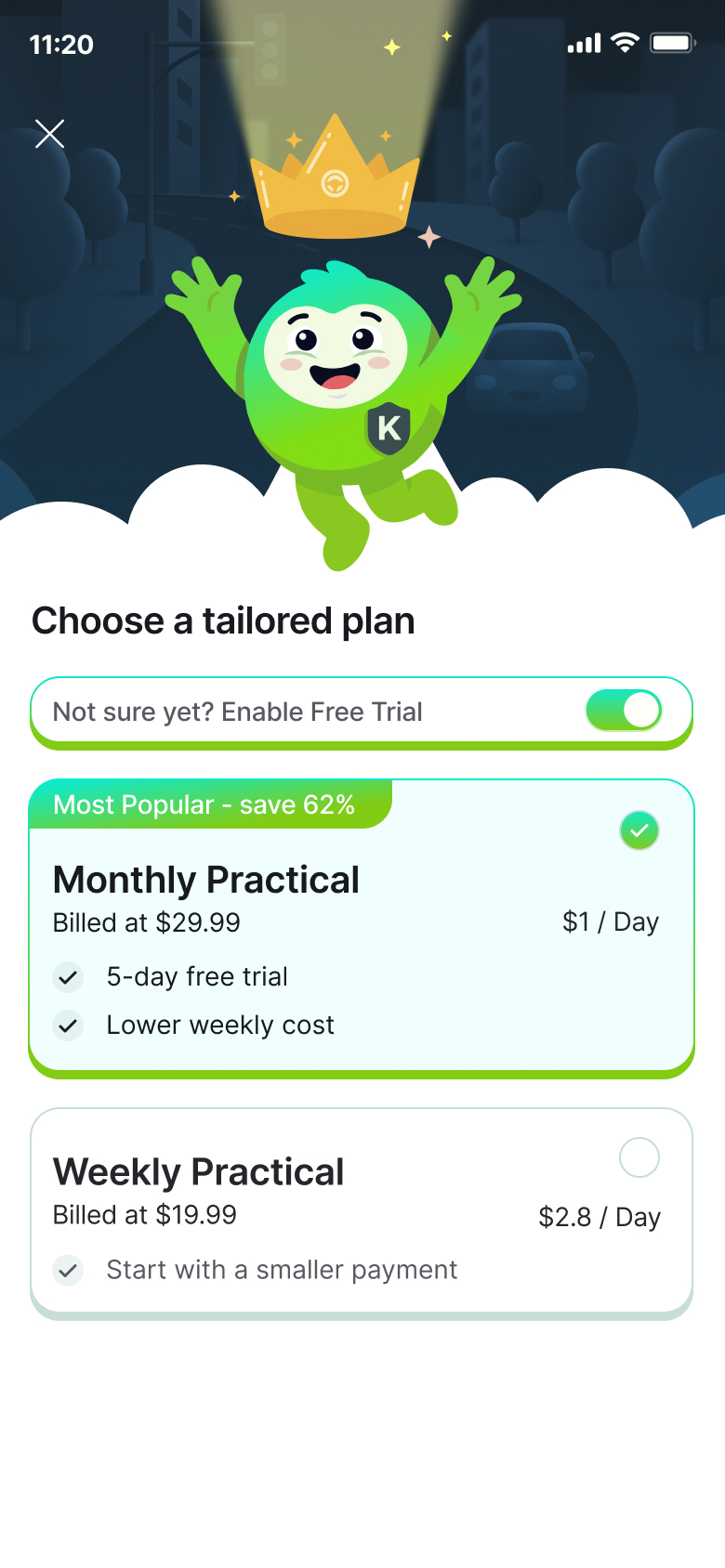
Choose a tailored subscription plan.
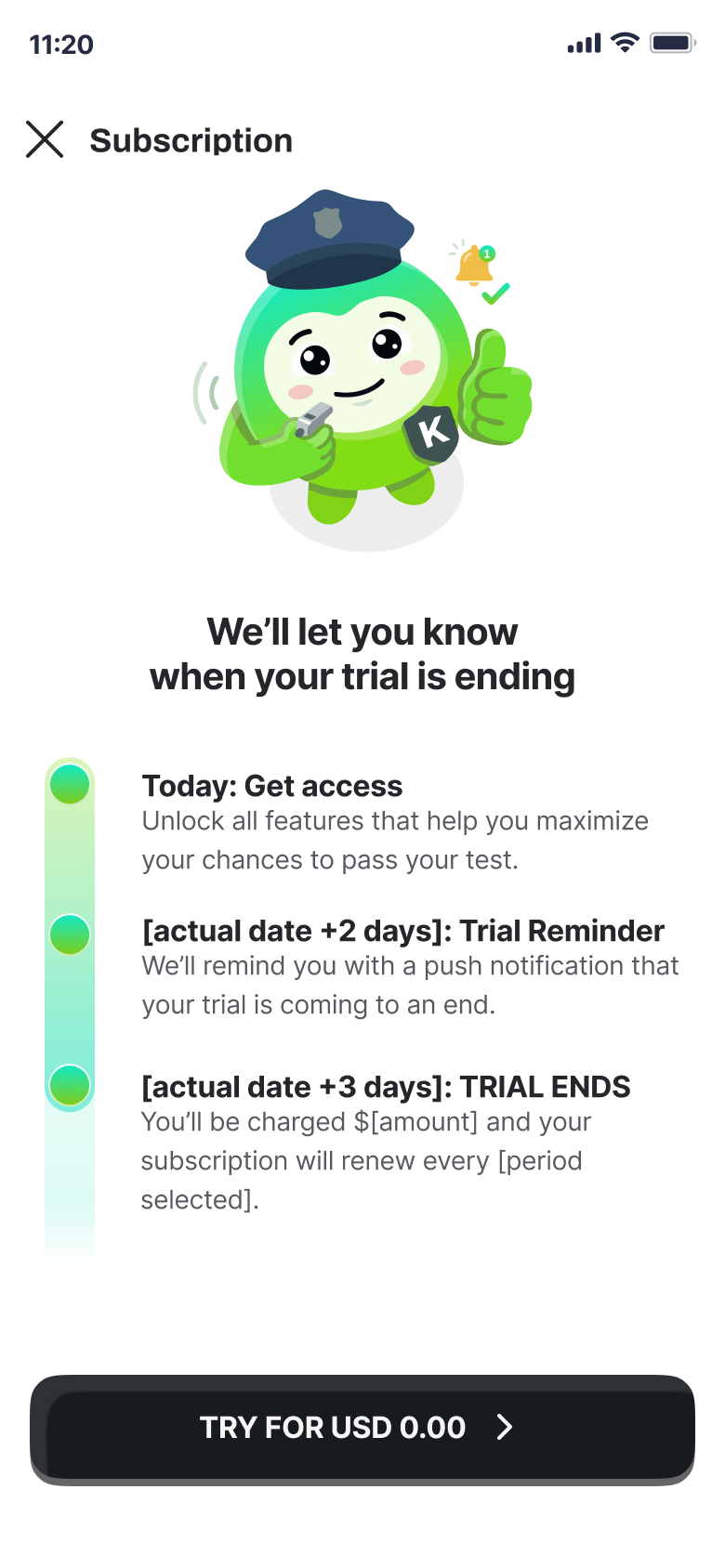
See when the trial ends and how reminders work.
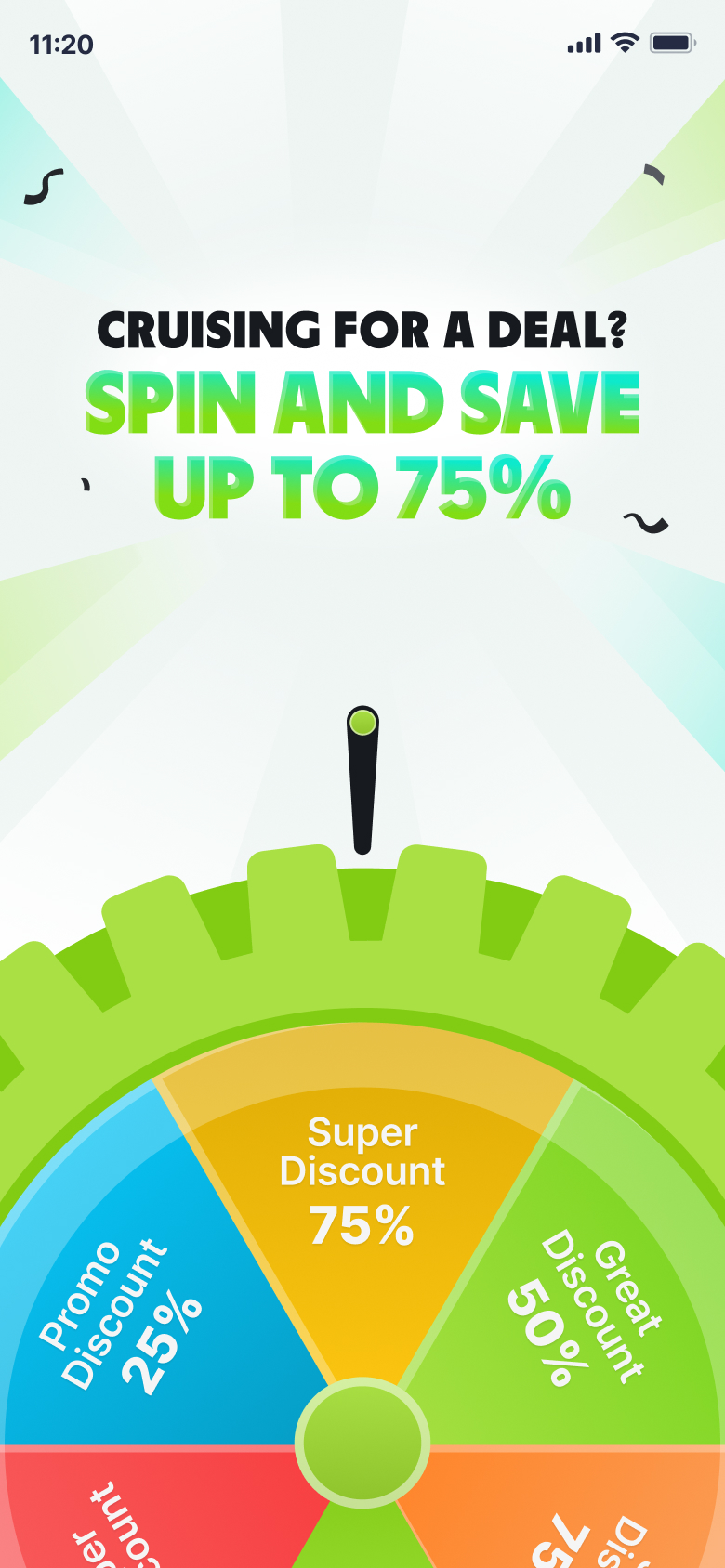
Spin the wheel for a subscription discount.
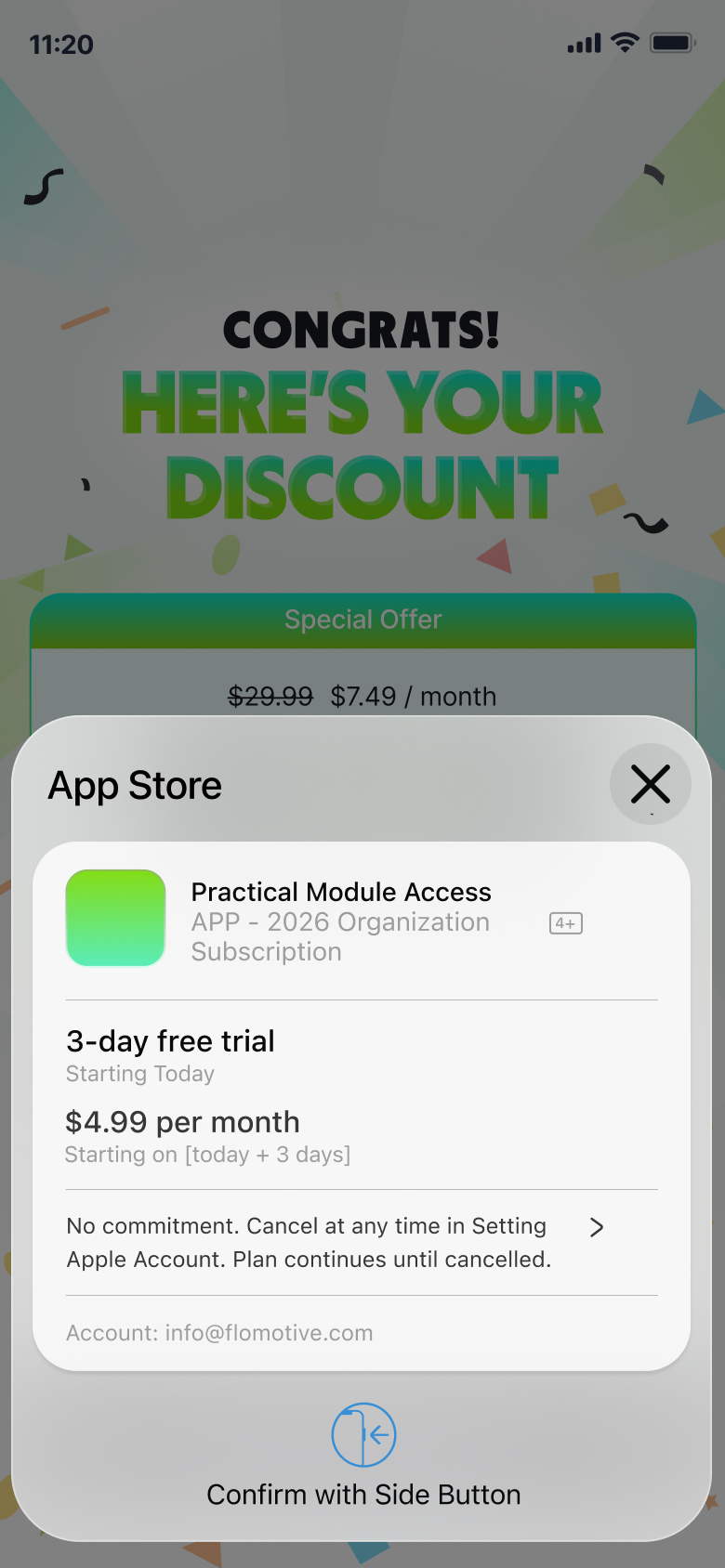
Confirm the subscription in the App Store.
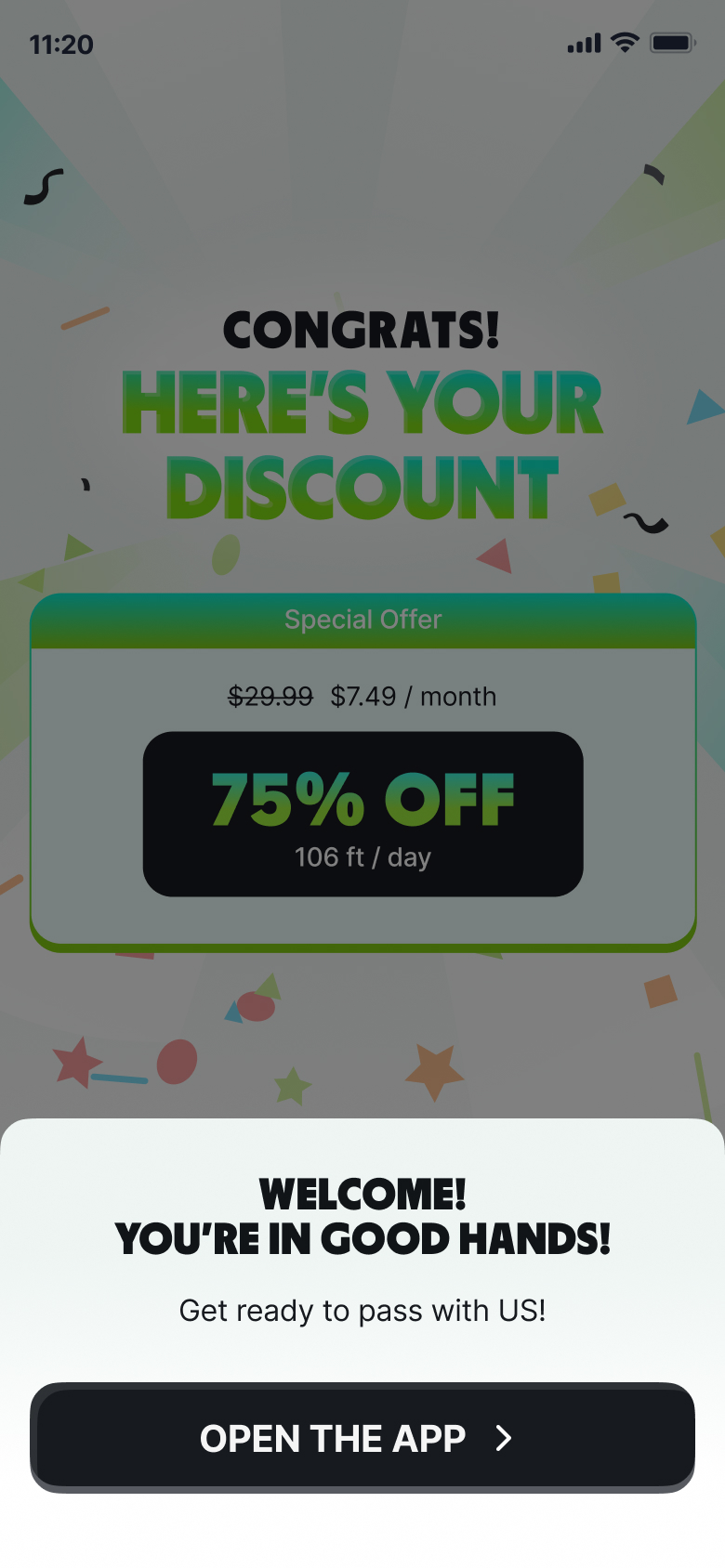
Welcome confirmation and open the app.

Bring the subscription decision into onboarding.

The old flow deferred purchase until after a free trial. The redesign introduces a subscription decision during onboarding, after learners have experienced relevant practice and guidance. Plan, price and trial information support an informed choice.

Development is in progress. Commercial outcomes will be measured after launch.

Next phase

Next: launch and measure.

The client is developing the redesigned onboarding. Limited internal testing has been encouraging; live user and commercial results are not yet available.

Planned measurements

Paid conversion from onboarding

Average paid subscription duration

Subscription revenue per cohort

Let’s talk about
your next project.

Book an intro call